
Best Practice Software have created this page of resources to help you through the two major industry changes, Sender ID Registration and Assignment of Benefit reforms coming 01 July 2026.
On this page you will find podcasts, videos. posters and pamphlets to download and print out, and much more.
Information correct at time of publishing: 26 May 2026
Frequently Asked Questions (FAQs)
Click the button below to open the Bp Premier Oxford Knowledge Base Frequently Asked Questions (FAQs) about Assignment of Benefit, including answers to questions such as:
- What is Assignment of Benefit?
- What's changing, and why?
- Do I have to collect an Assignment of Benefit via SMS?
- What happens with Medicare declines?

Download All
Click the button below to download a zip file of all the downloadable resources available on this page.
To extract the contents of the file:
- Locate the BpPremier_AOB_AllAssets.zip file from your Downloads folder.
- Right-click on the file and select Extract All.
Recorded Discussions
Do you prefer to learn by listening? These recorded discussions with Suzi and Paul from Best Practice Software will keep you up to date with the latest changes via an audio only format.
|
|
|
|
|
|
|
|
|
|
|
|
Waiting Room Video
If your practice has a television display in your waiting room, download the video below to play for your patients while they wait for their appointments. Please note that this video has no audio.
Click the ‘more options' kebab menu button from the player below, and click Download, or click the button below the video to download the video in a zip file.
To extract the contents of the zip file:
- Locate the BpPremier_AOB_Video.zip file from your Downloads folder.
- Right-click on the file and select Extract All.
Printouts
Right-click on a link and click Save target as... or Save link as... to download a PDF document to a known location, or just click to download to your default Downloads folder. You will need Adobe Acrobat Reader (available for free) to view the documents listed here.
|
|
|
|
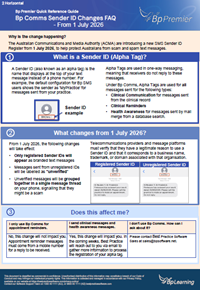
Quick Reference Guides
Right-click on a link and click Save target as... or Save link as... to download a PDF document to a known location, or just click to download to your default Downloads folder. You will need Adobe Acrobat Reader (available for free) to view the documents listed here.
|
|
|
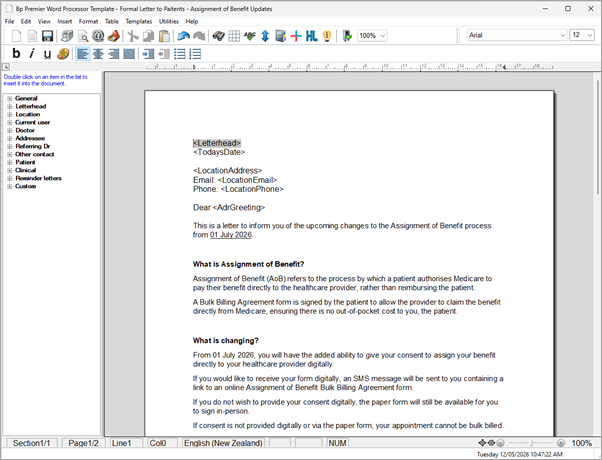
Word Processor Letter Template
The below letter template can be imported into Bp Premier via the Word Processor to send to your patients to inform them of the upcoming changes to the Assignment of Benefit Process.
IMPORTANT Do not open the downloaded RTF file in Microsoft Word Document before importing it into the Bp Premier Word Processor.
Follow the instructions to import an RTF file into Bp Premier as a template:
- Save the template file to a known folder on the Bp Premier server or anywhere accessible from a Bp Premier workstation.
- From the main Bp Premier screen, click the Word Processor icon or select Utilities > Word processor from the menu. When in a patient record, select File > New Letter The word processor will open.
- Select Templates > Import Template. Browse to the directory that you saved the .RTF template into.
- Select the file name to be imported and click Open. The template will be displayed in the word processor.
- Make any changes to the imported template.
- Select Available to all users if you want other users to be able to use the template.
- Save the template
Printing Preferences
See the details below for specific printing preferences and instructions for each printable resource.
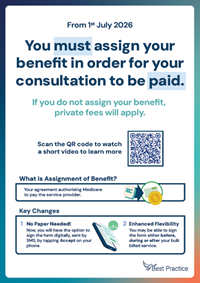
- Waiting Room Poster - Print on A3 Portrait.
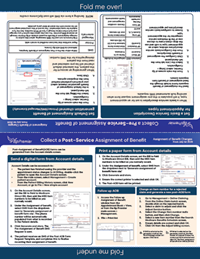
- Foldable Desk Resource - Print on A4 Portrait. Use the middle white dashed line to fold the sheet in half. Then fold again along the dashed lines marked “fold me over!” and “fold me under!” to complete the foldout.
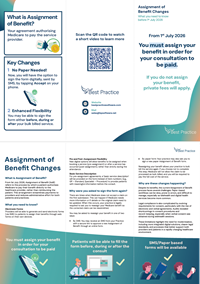
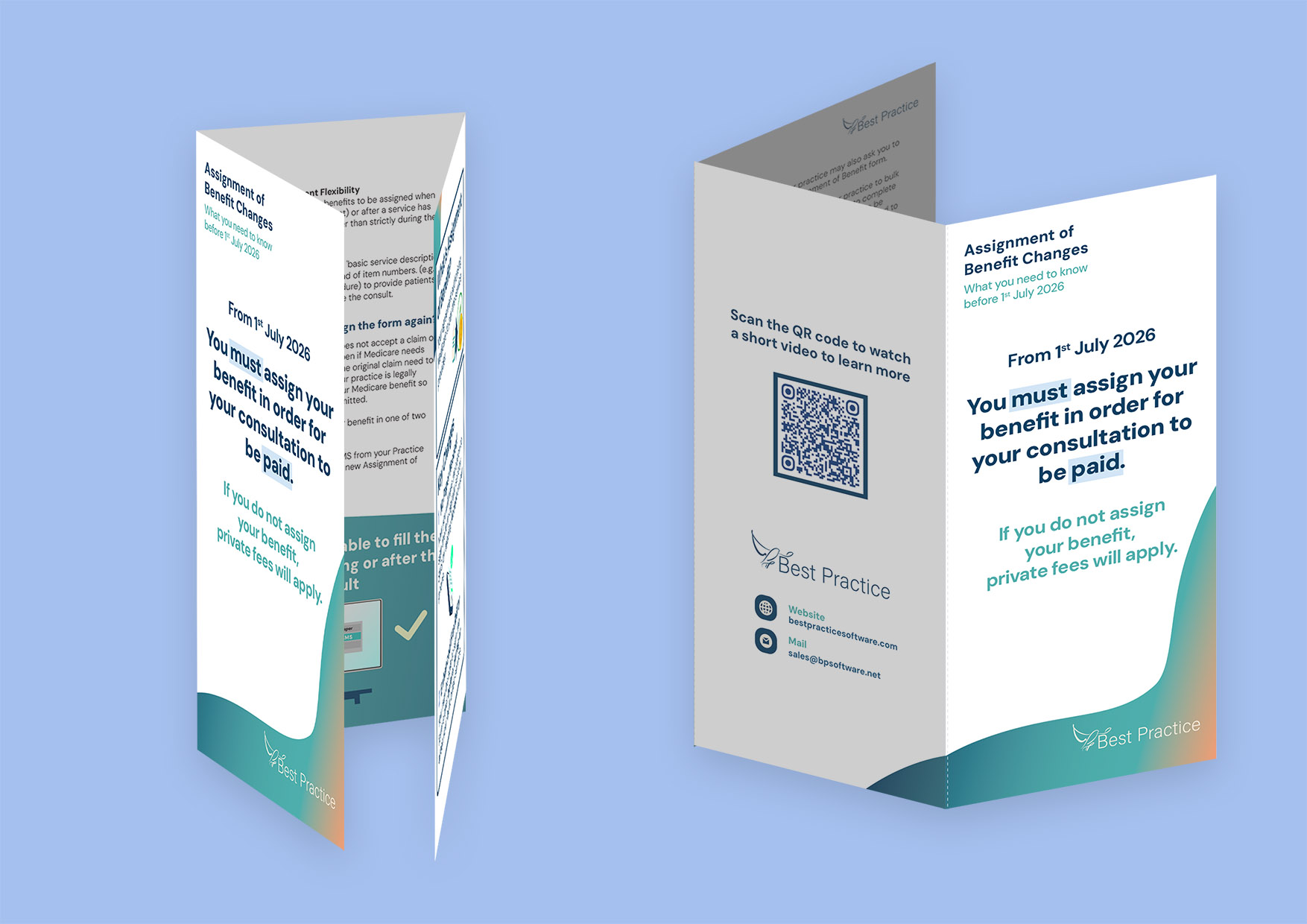
- Pamphlet - Print on A4 Landscape. You will see 2 thin dashed lines on each page dividing the sections. Fold along the dashed lines to create the trifold.
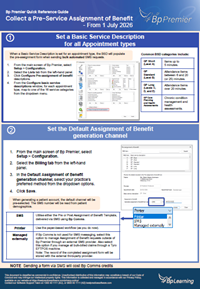
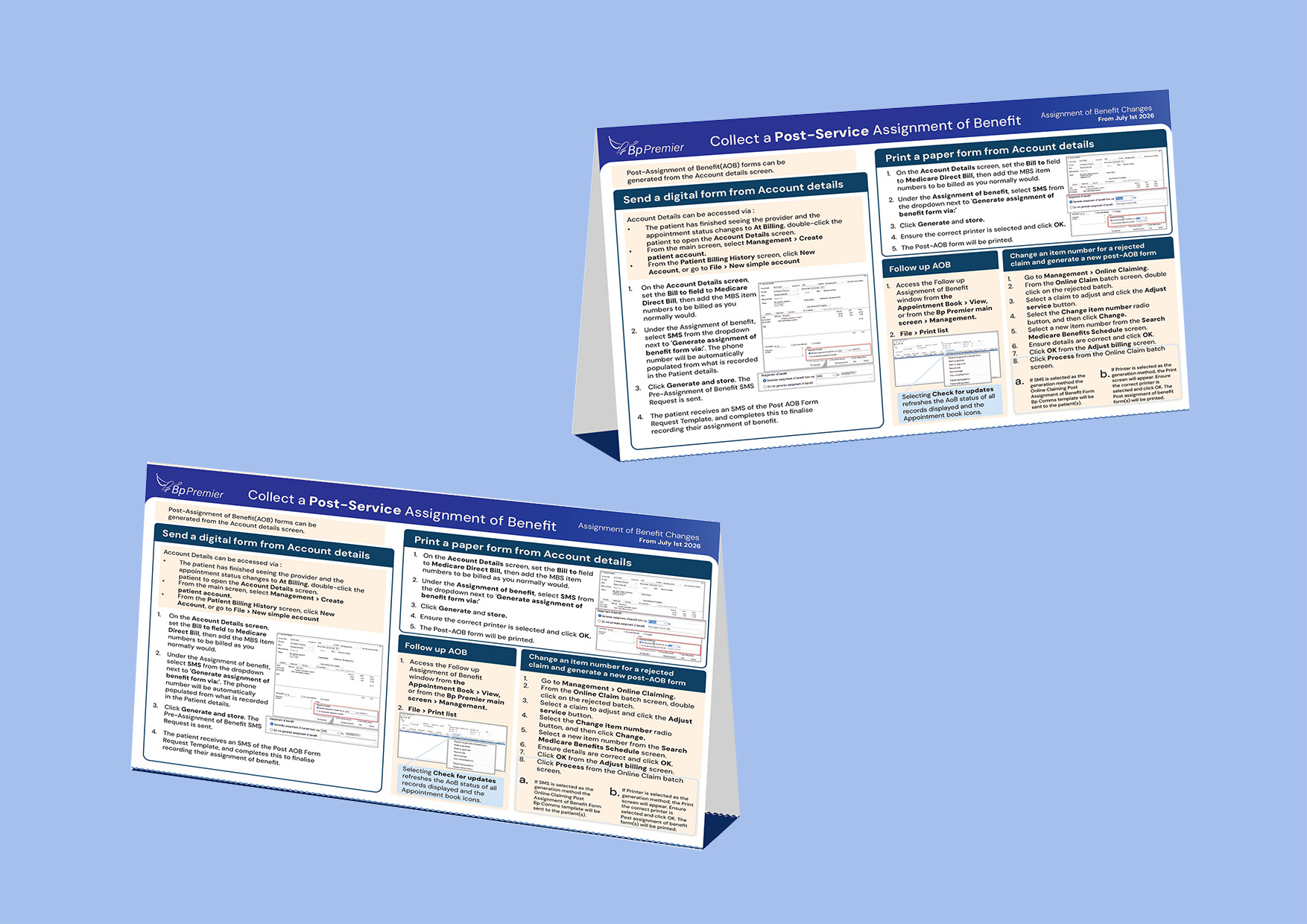
- Quick Reference Guides - Print on A4 Portrait. It can be printed double‑sided or 2 separate pages, depending on your preference.
|
|
|

 AU
AU 